The First 500 Milliseconds: What Happens Before Your Motherboard Wakes Up
Pressing the power button feels like the beginning of the boot process. It is not. By the time the power switch closes, a small cast of dedicated silicon — an embedded controller, a chipset power sequencer, and firmware stored in a serial flash chip — has already been at work, and in some cases was never fully asleep at all. Understanding that prelude explains one of the most frustrating realities of PC troubleshooting: many failures are structurally incapable of producing an error message, because the hardware required to display one is not yet awake.
The Machine That Never Fully Sleeps
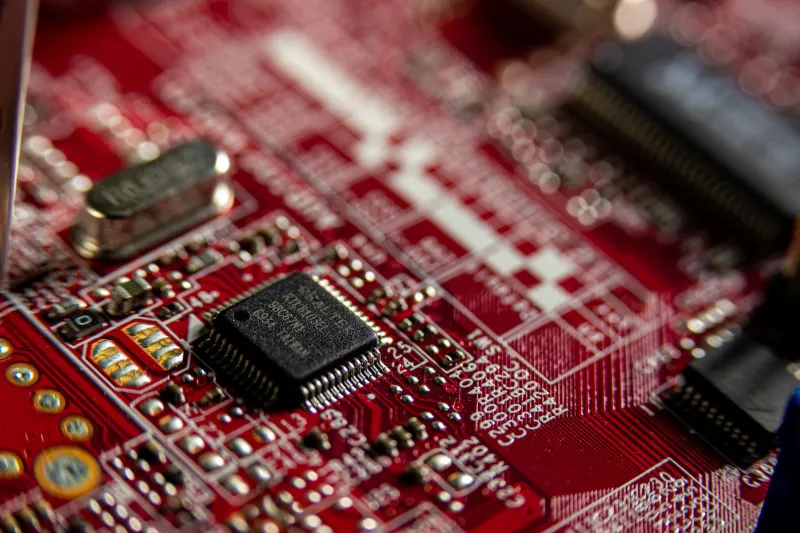
Modern ATX systems are never entirely off. When a desktop is switched off at the case but connected to wall power, the +5V standby rail remains live, feeding the South Bridge or PCH and, critically, the embedded controller (EC). The EC is a small microcontroller — often a variant of a familiar embedded part family — that watches the power button, manages wake events, and supervises power sequencing. On a laptop it also handles battery charging and thermal duties. It is the first thing to notice your finger on the button, and it is the component that decides whether a full power-on sequence should begin.
This standby domain is why Wake-on-LAN functions, why a keyboard shortcut can rouse a sleeping machine, and why a motherboard can retain BIOS settings without a battery in some designs. It also means the first diagnostic question in a dead-system scenario is not whether the CPU works, but whether the standby rail is alive at all.
Power Good: The Handshake You Never See
Once the EC asserts power-on, the power supply and the motherboard's voltage regulators begin a carefully ordered negotiation. Rails come up in a defined sequence — typically standby rails first, then main rails, then the increasingly numerous CPU and memory domains. The power supply itself reports completion through the Power Good signal, a line held low until all outputs have stabilized within tolerance.
The chipset will not release the CPU from reset until every regulator in the chain reports ready. If any rail fails to reach its target, or reaches it too slowly, the sequencer halts or attempts a retry. This is the stage at which a marginal PSU, a shorted capacitor, or a poorly seated power connector stops the machine — and because the CPU has not yet executed a single instruction, nothing can be logged, printed, or beeped. The system simply sits, fans possibly spinning, in a state that looks identical to a dead board.
The Boot ROM and the First Instructions
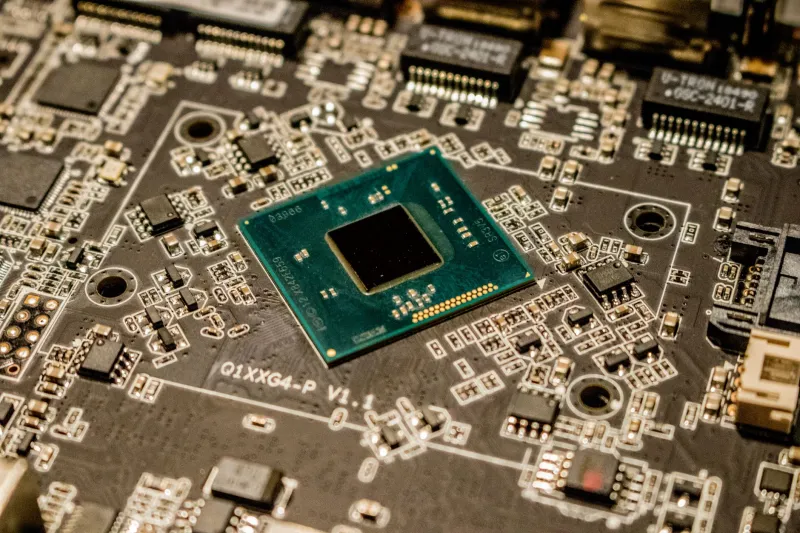
With resets released, the CPU begins fetching from a fixed address mapped to the SPI flash chip on the motherboard. Contrary to the older mental model of a single BIOS blob, modern x86 firmware is a layered structure: a small boot block containing enough code to verify and initialize the rest, followed by larger compressed stages that perform memory training, enumerate devices, and eventually hand control to a boot loader. Intel's Boot Guard and similar mechanisms add a hardware-anchored verification step, checking the initial firmware against keys fused into the chipset before allowing execution to proceed.
Memory training deserves particular attention. Initializing modern DDR5 — calibrating signal timing across dozens of traces per DIMM, negotiating speeds with the memory controller — can take several seconds on a cold start, which is why the first boot after a CMOS reset often appears to hang. The screen is dark not because the system is stalled, but because the subsystem needed to drive a display does not yet exist.
POST, Beep Codes, and the Two-Digit Storytellers
Only after memory is functional does the firmware reach the point where it can meaningfully report its own progress. The Power-On Self Test then checks the CPU, chipset, storage controllers, and option ROMs, updating a diagnostic code along the way. Older machines signaled failures through beep patterns from a small speaker; many current boards retain the convention, while enthusiast models add two-digit hexadecimal POST code displays that identify the exact stage of initialization.
These codes are the most underused diagnostic tool in desktop troubleshooting. A machine that halts at a memory-training code points to DIMM seating or compatibility; a halt after memory init but before video points to the GPU or its slot. Reading them requires only the motherboard manual — a document most owners never open.
Why Some Failures Stay Silent
The hierarchy of failure is unforgiving: each stage of boot depends on the previous one having succeeded. A fault that prevents the standby rail from powering the EC produces no fans, no lights, and no codes. A fault in power sequencing produces fans but no execution. A memory failure produces execution but no display. Only when every layer beneath it is healthy can the firmware draw anything on screen — which is why the most informative error is sometimes the one you cannot see, and why the two-digit display on a motherboard bezel is worth more than any status LED.